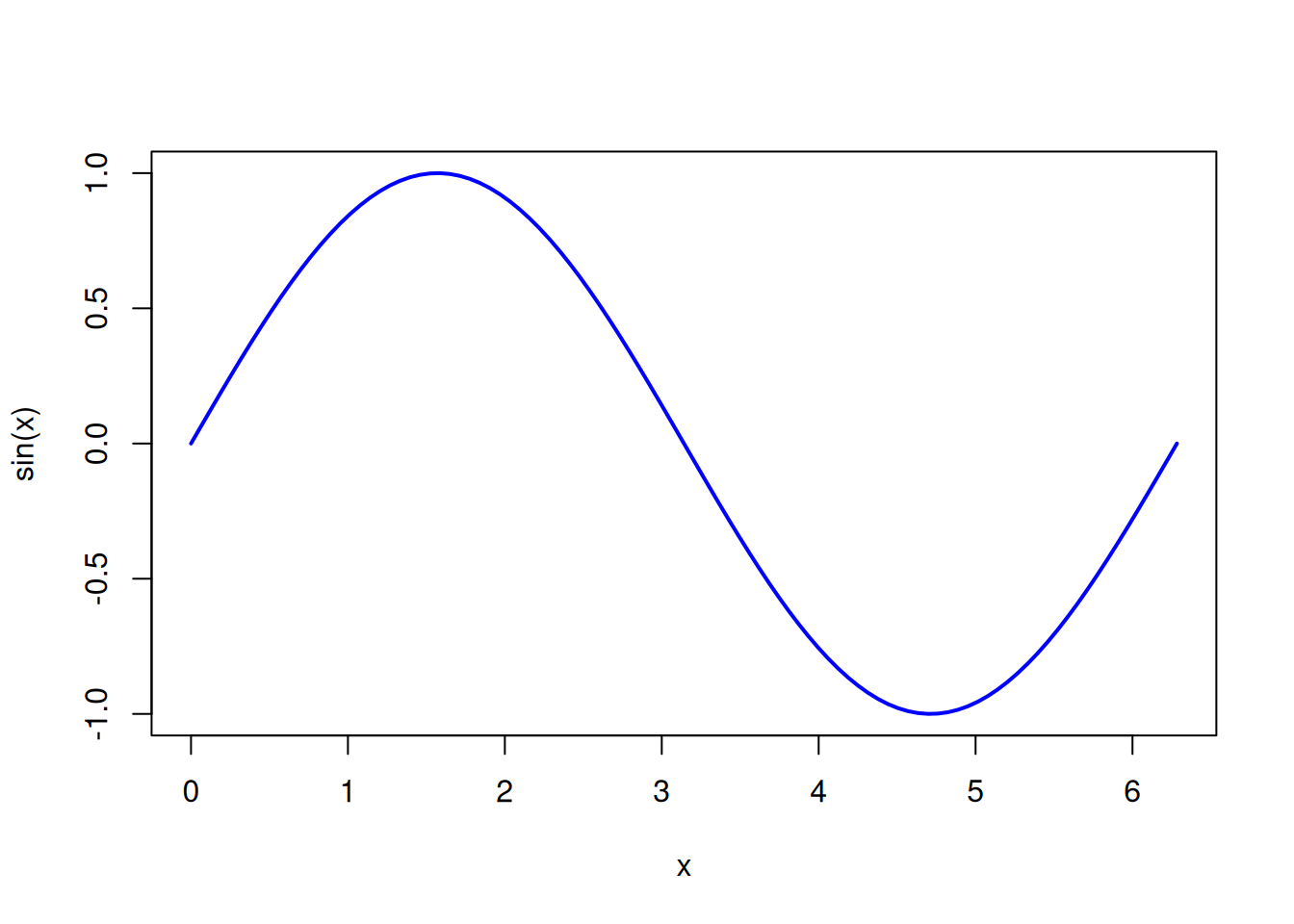
import numpy as np
import matplotlib.pyplot as plt
x = np.linspace(0, 2*np.pi, 100)
plt.plot(x, np.sin(x))
plt.title("Sine Function")
plt.show()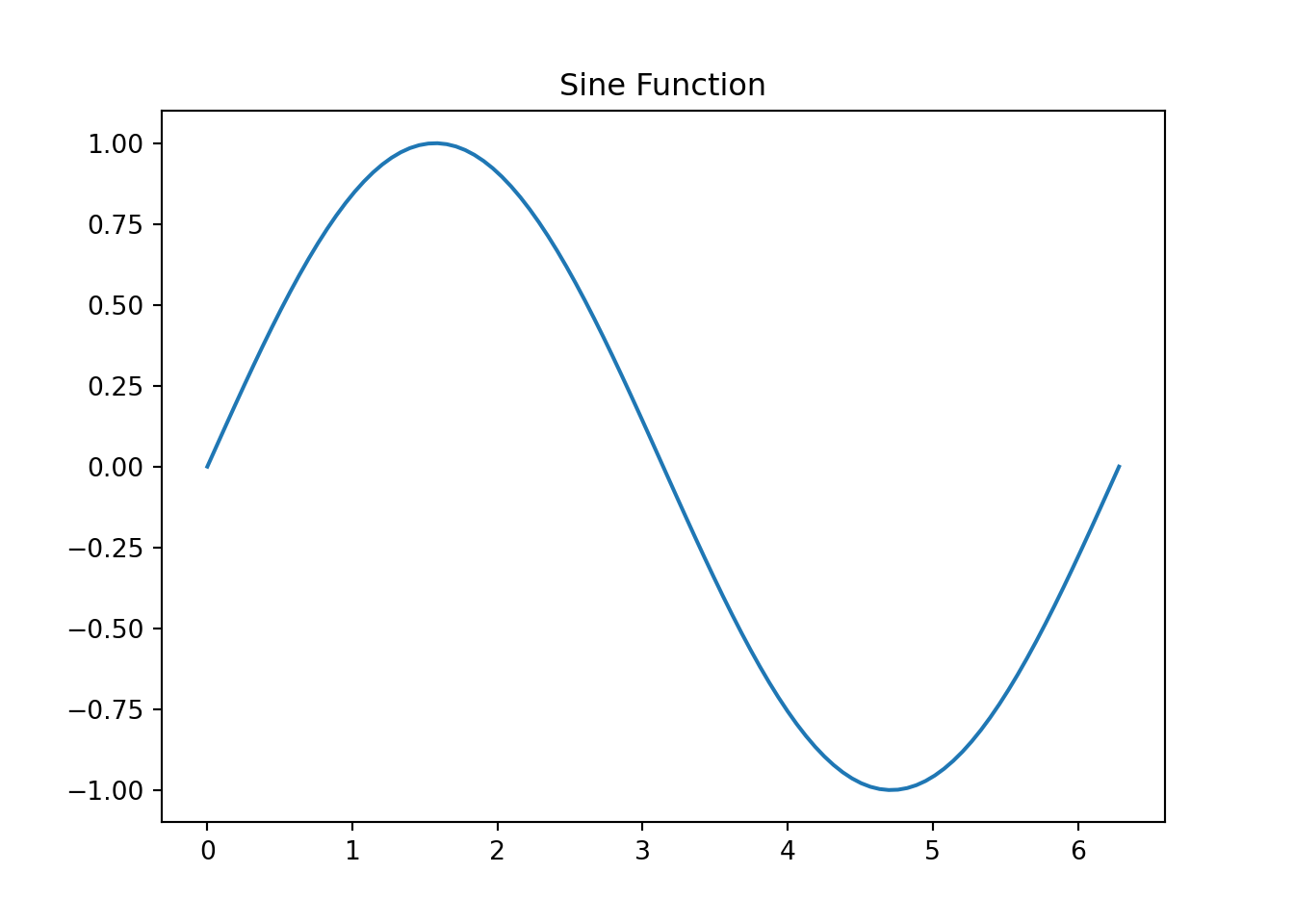
← Back to the Programming Reading Guide 👨💻
← Back to the Quarto Section 📄
← Back to the Programming Section 👨💻

Quarto Markdown is a powerful extension of the Markdown language, developed to create high-quality scientific and technical documents.
Quarto Markdown is a powerful evolution of traditional Markdown, designed especially for scientific and technical communication. It allows you to integrate:
With Quarto, you can generate:
| Feature | Markdown (.md) | Quarto (.qmd) |
|---|---|---|
| Basic formatting | ✅ | ✅ |
| HTML support | ✅ | ✅ |
| LaTeX equations | ❌ (limited) | ✅ (full) |
| Executable code blocks | ❌ | ✅ (Python, R, Julia, etc.) |
| PDF/EPUB/Slides generation | ❌ | ✅ |
| YAML support | Limited | ✅ (for metadata and project configuration) |
| Target audience | General | Scientists, educators, engineers, etc. |
✅ Summary: Traditional Markdown is great for simple blogs and notes.
Quarto Markdown, however, is ideal for technical and scientific projects with code, math, and visualizations.
# Level 1 Heading
## Level 2 Heading
### Level 3 Heading**bold**, *italic*, ***bold and italic***bold, italic, bold and italic
> Mathematics is the language in which God has written the universe. — GalileoMathematics is the language in which God has written the universe. — Galileo
- Item A
- Item B
  - Subitem B.1
Preview:
Item A
Item B
1. First
2. Second[Quarto](https://quarto.org)
{width=80%}
| Name     | Age | City    |
|----------|-----|---------|
| Ana      | 25  | Recife  |
| Bruno | 30 | Natal || Name | Age | City |
|---|---|---|
| Ana | 25 | Recife |
| Bruno | 30 | Natal |
The famous Euler’s identity: $e^{i\pi} + 1 = 0$The famous Euler’s identity: \(e^{i\pi} + 1 = 0\)
$$
\int_0^\infty e^{-x^2} dx = \frac{\sqrt{\pi}}{2}
$$\[ \int_0^\infty e^{-x^2} dx = \frac{\sqrt{\pi}}{2} \]
Use them to make your posts more visual and organized!
📚 Book
🧠 Brain
✏️ Pencil
📖 Reading
🏫 School
📝 Notes
📊 Presentation
🎯 Goal
💻 Computer
🖥️ Monitor
📱 Cell phone
⌨️ Keyboard
🖱️ Mouse
⚙️ Gear
🔧 Tool
🔒 Lock
🧮 Abacus
📊 Bar chart
📈 Increasing chart
📉 Decreasing chart
📋 Table
🔢 Numbers
🧮 Calculation
🗃️ Data file
➕ Addition
➖ Subtraction
✖️ Multiplication
➗ Division
√ Square root
∑ Summation (LaTeX: $\sum$)
∫ Integral (LaTeX: $\int$)
∞ Infinity (LaTeX: $\infty$)
📐 Ruler and set square
📏 Ruler
🎲 Probability
🧪 Test tube
🔬 Microscope
⚗️ Lab flask
🧫 Petri dish
🌡️ Thermometer
🧬 DNA
🚀 Rocket
🧲 Magnet
🌌 Universe
🕒 Clock
📅 Calendar
⏳ Hourglass
📌 Pin
🗓️ Planner
🗂️ Folders
📦 File
💡 Tip
❗ Important
✅ Completed
❓ Question
⚠️ Attention
🛠️ Under construction
⏱️ Stopwatch
📢 Announcement
🔍 Observation
🔎 Details
🚀 Let’s get started!
🎉 Congratulations!
👏 Well done!
🤝 Teamwork
🤔 Reflect on this
🙌 Success!
🔁 Repeat
🔄 Refresh
💬 Comment
import numpy as np
import matplotlib.pyplot as plt

x = np.linspace(0, 2*np.pi, 100)
plt.plot(x, np.sin(x))
plt.title("Sine Function")
plt.show()
In this example, we show a way to display Python code statically, that is, without executing it.
python
::: {.callout-note collapse=true title="💡 Title: Static code with syntax highlighting (collapsed content)"}

```python
# Example of circle area calculation
import math

raio = 5
area = math.pi * raio**2
print(f"The circle area is {area:.2f}")
```

:::
Visualization:
# Example of circle area calculation
import math

raio = 5
area = math.pi * raio**2
print(f"The circle area is {area:.2f}")Quarto provides callouts to highlight important information:
::: {.callout-note}
This is an informational note.
:::This is an informational note.
::: {.callout-tip}
Tip: use `{.callout-tip}` for best practices.
:::Tip: use {.callout-tip} for best practices.
::: {.callout-warning}
Warning: make sure the code is properly indented.
:::Warning: make sure the code is properly indented.
::: {.callout-caution}
Caution: changes in `.qmd` files may overwrite generated `.md` files.
:::Caution: changes in .qmd files may overwrite generated .md files.
::: {.callout-important}
Important: Quarto replaces RMarkdown with more modern features!
:::Important: Quarto replaces RMarkdown with more modern features!
Quarto Markdown is the ideal solution for producing reproducible, beautiful, and interactive documents, combining code, mathematics, and explanations.
Explore more!
← Back to the Programming Reading Guide 👨💻
← Back to the Quarto Section 📄
← Back to the Programming Section 👨💻
Blog do Marcellini — Exploring Mathematics, Statistics, and Physics with Rigor and Beauty.
Created by Blog do Marcellini with ❤️ and code.