📘 👨💻 📄 Quarto Markdown Template — Part 1
programming
Quarto
article
Quarto Markdown is a powerful extension of the Markdown language, developed to create high-quality scientific and technical documents.
← Back to the Programming Reading Guide 👨💻
← Back to the Quarto Section 📄
← Back to the Programming Section 👨💻

📘 👨💻 📄 Quarto Markdown Template — Part 1
🔷 What is Quarto Markdown?
Quarto Markdown is a powerful extension of the Markdown language, developed to create high-quality scientific and technical documents.
It allows mixing formatted text, executable code (in languages such as R, Python, Julia), mathematical equations with LaTeX, plots, and tables, all in a single .qmd file.
With Quarto you can automatically generate documents in formats such as:
- Interactive HTML
- PDF with typographic quality
- EPUB for eBooks
- Slides (Reveal.js, Beamer)
- Interactive presentations, and much more.
🔷 Difference between Markdown and Quarto Markdown
| Feature | Markdown (.md) | Quarto Markdown (.qmd) |
|---|---|---|
| Basic text formatting | ✅ | ✅ |
| HTML support | ✅ | ✅ |
| Equations with LaTeX | ❌ (except in some extensions) | ✅ |
| Executable code | ❌ | ✅ (R, Python, Julia, Observable) |
| EPUB/PDF/Slides generation | ❌ | ✅ |
| YAML support | Partial | ✅ (extensively used for metadata) |
| Main focus | Simplicity and readability | Scientific and technical publishing with code |
Summary: Traditional Markdown is great for simple text, while Quarto Markdown is ideal for technical and scientific content that combines text, code, and graphics in a single document.
🔷 Introduction
This is an example of a document written in Markdown with Quarto. It shows how to format text, insert images, write equations, and display code in an elegant and simple way.
- Example 1:
# Headings and Text- Visualization:
Headings and Text
- Example 2:
## Level 2 Heading- Visualization:
Level 2 Heading
- Example 3:
### Level 3 Heading- Visualization:
Level 3 Heading
- Example 4:
You can use **bold**, *italic*, or both: ***bold and italic***.- Visualization:
You can use bold, italic, or both: bold and italic.
- Example 5:
You can also create quotations:
> Mathematics is the language with which God has written the universe. — Galileo- Visualização:
Mathematics is the language with which God has written the universe. — Galileo
🔷 Lists
- Example 6:
## Bulleted List:

- Item A
- Item B
  - Subitem B.1
- Subitem B.2- Visualization:
Bulleted List:
- Item A
- Item B
- Subitem B.1
- Subitem B.2
- Example 7:
## Numbered List:

1. First
2. Second
3. Third- Visualization:
Numbered List:
- First
- Second
- Third
🔷 Links and Images
- Example 8:
## Link:


[Official Quarto website](https://quarto.org)- Visualization:
Link:
- Example 9:
## Image:
{width=20% style="margin-bottom: 2rem;"}- Visualization:
Image:

- Example 10:
# Tables

| Name     | Age | City        |
|-|-|-|
| Alice    | 25  | São Paulo   |
| Bernardo | 30  | Salvador    |
| Carla | 22 | Curitiba |- Visualization:
Tables
| Name | Age | City |
|---|---|---|
| Alice | 25 | São Paulo |
| Bernardo | 30 | Salvador |
| Carla | 22 | Curitiba |
🔷 Equations with LaTeX
🔷 Inline Equation:
- Example 11:
The famous Euler identity: $e^{i\pi} + 1 = 0$- Visualization:
The famous Euler identity: \(e^{i\pi} + 1 = 0\)
🔷 Block Equation:
- Example 12:
$$
\int_0^\infty e^{-x^2} dx = \frac{\sqrt{\pi}}{2}
$$- Visualization:
\[ \int_0^\infty e^{-x^2} dx = \frac{\sqrt{\pi}}{2} \]
🔷 Code
🔷 Block in R:
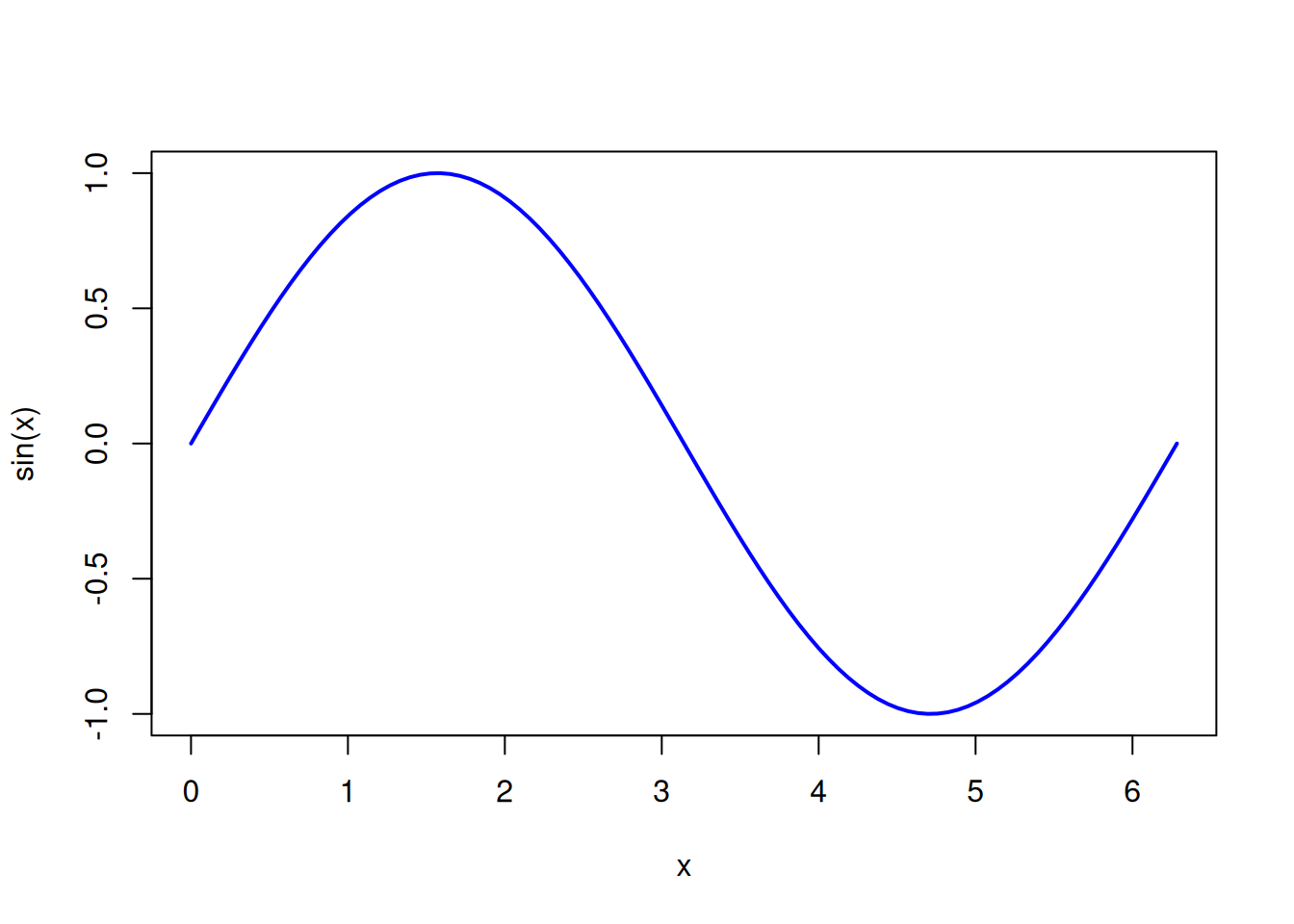
- Example 13:
🔷 Block in Python:
- Example 14:
import numpy as np
import matplotlib.pyplot as plt

x = np.linspace(0, 2*np.pi, 100)
plt.plot(x, np.sin(x))
plt.title("Seno")
plt.show()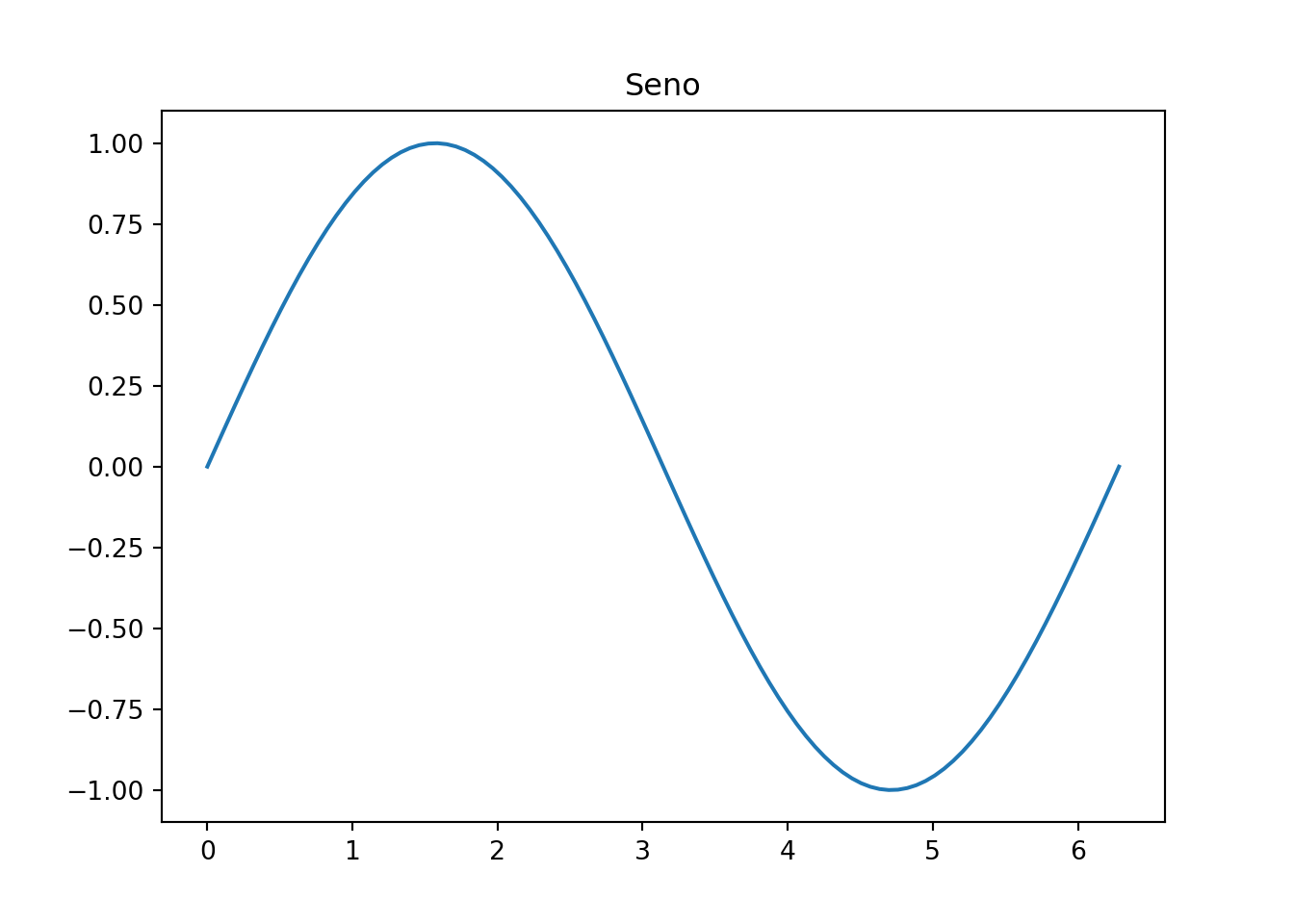
🔷 Conclusion
This template shows the power of Markdown combined with Quarto to produce clear, scientific, and elegant documents — ready for HTML, PDF, EPUB, or slides.
← Back to the Programming Reading Guide 👨💻
← Back to the Quarto Section 📄
← Back to the Programming Section 👨💻
Blog do Marcellini — Exploring Mathematics, Statistics, and Physics with Rigor and Beauty.
Note
Created by Blog do Marcellini with ❤️ and code.